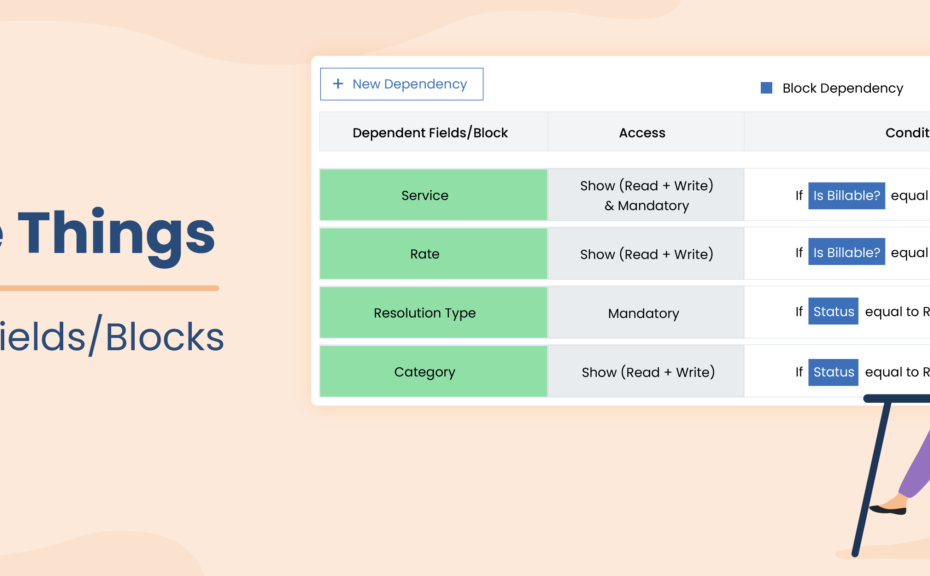
Welcome back to another chapter in the blog series Big Little Things, where we highlight some of the lesser-known and sometimes overlooked features and enhancements in Vtiger CRM that pack a big punch. This post highlights the Dependent Fields/Blocks feature, which allows admins to set up dependencies on Fields or Blocks based on the values of other fields. Let’s dive in and learn more about this feature.
What is the Dependent Fields/Blocks Feature?
As mentioned above, this feature allows admins to set up dependencies that will either show or hide Fields or Blocks on a record, based on the picklist values selected on other fields belonging to the same module. Let’s look at an example:
A support manager who is an admin on their Vtiger account would like their support team to select from a list of values (Picklist) in a field called “Resolution Type” once a Case is marked with a Status of Resolved. They do not want this field to show on the record or to be filled out until the Case’s Status has changed to Resolved. But, once the Case has been marked as Resolved, they would like this field to be mandatory and to be filled out before saving the record. The support manager can use the Dependent Fields/Blocks feature to hide the “Resolution Type” field until a user has marked the Case’s Status field as Resolved.